Voice Conversion
Upload Target Voice
MP3, WAV (Max 50MB)
Upload Source Audio
MP3, WAV (Max 50MB)
0
-24 (Lower)+24 (Higher)

Voice Synthesizer

Mubert Voice Synthesizer helps you audition a more designed, synthetic vocal identity on an existing source performance. Use it to shape futuristic singer references, more polished demo vocals, and alternate vocal styles before final production.

everything you need

What You Can Do With Voice Synthesizer

Voice Synthesizer gives you a practical way to hear how a more synthetic vocal identity changes the feel and usefulness of the same musical idea.

Voice Synthesizer creating a synthetic vocal character

Create a Synthetic Vocal Character

  • Use Voice Synthesizer to move a source performance toward a more designed, digital, or stylized vocal identity.
  • That helps teams test whether a track wants a more futuristic or more processed front-person sound.
Start Creating
Distinct demo identity built with Voice Synthesizer

Strengthen Demo Identity

  • When the melody works but the scratch vocal feels too plain, Voice Synthesizer can help you build a more distinct demo identity.
  • That makes it easier for collaborators to hear the concept instead of imagining the missing polish.
Explore Controls
Testing alternate production direction with Voice Synthesizer

Test Alternate Production Direction

  • A vocal that feels more synthetic can change the genre fit of the whole track.
  • Voice Synthesizer helps you hear whether the song leans more naturally toward electronic pop, creator hooks, branded audio, or experimental production.
View Licensing
Review workflow improved by Voice Synthesizer

Reduce Guesswork in Review

  • Instead of debating adjectives like futuristic, glossy, digital, or commercial, you can share an actual version that demonstrates the vocal direction.
  • That reduces ambiguity in feedback and speeds up approval.
Try It Now
who this is for

Who Uses Voice Synthesizer?

Use Mubert Voice Synthesizer when a track needs a more designed, synthetic, or stylized singer identity to clarify the creative direction.

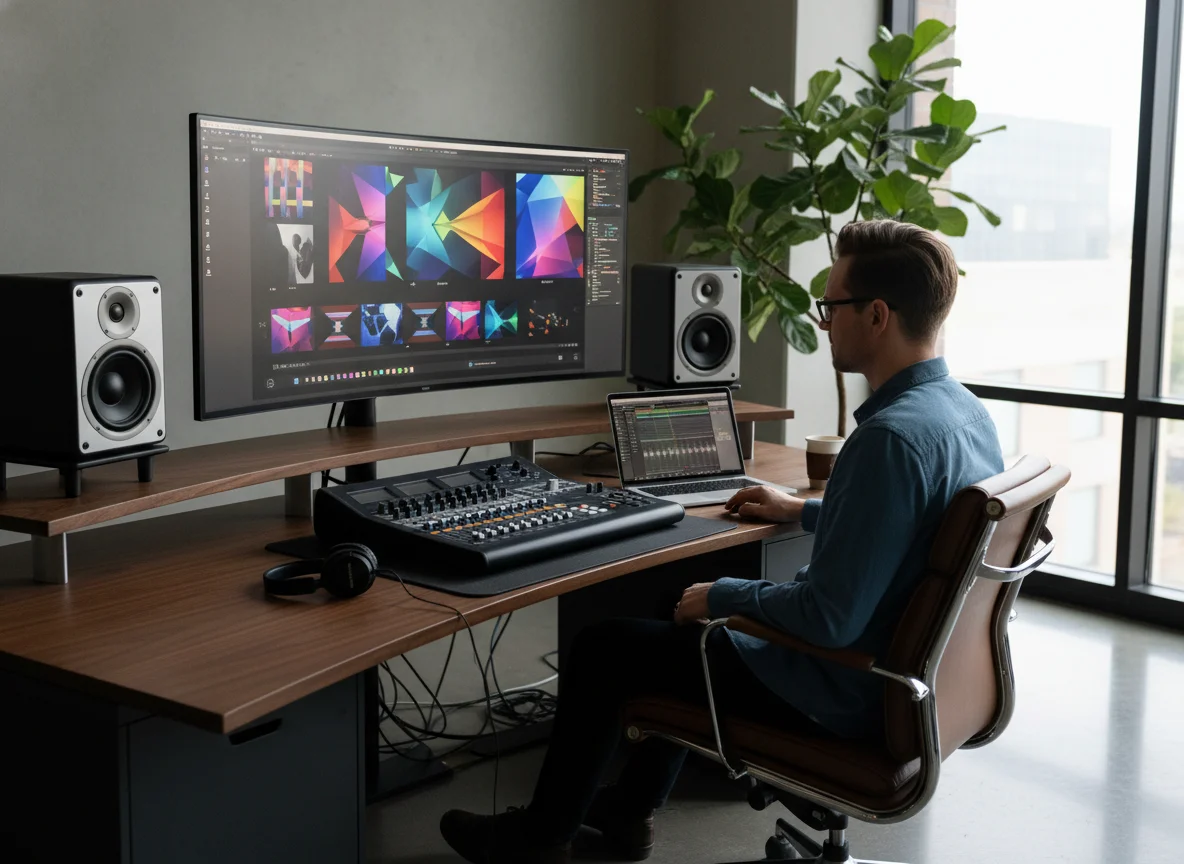
Electronic pop producer using Voice Synthesizer

Electronic Pop Producers

Challenges
  • Producer teams use Voice Synthesizer to hear whether a track needs a more synthetic lead character to match its production world
  • It helps them compare organic and processed singer identities before final sessions
Solution
  • That makes arrangement choices easier to lock
Creator audio team using Voice Synthesizer for branded hooks

Creator Audio Teams

Challenges
  • Creator teams use Voice Synthesizer for stylized hooks, sonic logos, intros, and branded music moments where the vocal identity itself is part of the message
  • It gives them a faster way to test memorable synthetic voice styles
Solution
  • That improves concept review
Concept builder creating a synthetic vocal demo

Demo and Concept Builders

Challenges
  • Writers and concept builders use Voice Synthesizer when the song idea needs a more distinctive demo personality
  • A clearer synthetic vocal reference helps collaborators hear the intended world of the track without a long explanation
Solution
  • That sharpens decisions earlier
why choose mubert

Why Choose Mubert for Voice Synthesizer?

Mubert helps you audition more synthetic singer identities quickly, so teams can hear whether stylization improves the concept before more expensive production work begins.

Clearer Stylization Decisions

Voice Synthesizer helps you hear whether a more processed vocal identity strengthens the song or distracts from it, which is hard to judge from written notes alone.

Useful Before Final Vocal Production

You can resolve direction questions earlier, which means recording, editing, and production briefs are based on a clearer target sound.

Strong for Short-Form and Branded Audio

The tool is useful beyond full songs because creator intros, sonic logos, and short music concepts often depend on a recognizable synthetic character.

Practical Comparison Workflow

Mubert keeps the iteration cycle simple enough that you can compare synthetic and more natural options without rebuilding the idea from scratch every time.

what creators say

What Creators Say About Voice Synthesizer

Teams use Voice Synthesizer to clarify stylization decisions, strengthen demos, and speed up feedback on synthetic vocal ideas.

4.9

The track finally had a real identity

Once we heard the song with a more synthetic vocal style, the whole production direction made more sense. Voice Synthesizer made that decision fast and obvious.
Ava Miller
Producer
4.8

Great for stylized hooks

We used it for a branded hook and immediately got a version that sounded more memorable than the plain scratch read. That changed the whole conversation with the team.
Jordan Blake
Creator Strategist
5.0

Much easier to pitch the concept

Voice Synthesizer gave the demo a clearer world and made it easier for collaborators to hear the intended style without needing a long explanation first.
Mina Patel
Songwriter
who this is for

Create music for every project.

Use Mubert to generate cleared tracks for videos, campaigns, podcasts, courses, and games without slowing down production.

Score short-form videos faster
YouTubers & TikTokers

Score short-form videos faster

Challenges
  • Stock music search slows down every edit.
  • Copyright claims can block monetization.
Solution
  • Describe the cut, mood, and hook to generate a matching track.
  • Use unique royalty-free music for Shorts, Reels, and TikToks.
Fast SyncCopyright-SafeUnique Sound
Create campaign-ready audio
Marketers & Agencies

Create campaign-ready audio

Challenges
  • Custom composers are slow for launch calendars.
  • Generic tracks weaken brand recall.
Solution
  • Generate on-brand jingles, ad beds, and social hooks in minutes.
  • Ship cleared audio across paid ads, client work, and broadcast.
On-BrandAd-ReadyCommercial Use
Build a recognizable sonic identity
Podcasters & Educators

Build a recognizable sonic identity

Challenges
  • Reusable intro music starts to sound repetitive.
  • Episode beds need to fit the topic and pacing.
Solution
  • Generate intros, outros, stingers, and lesson beds by theme.
  • Keep audio consistent while changing mood for each episode.
Intro MusicEpisode BedsMonetization Safe
Compose game music on budget
Indie Game Developers

Compose game music on budget

Challenges
  • Hiring a composer is hard before launch revenue.
  • Loops and adaptive cues take time to produce.
Solution
  • Generate menu, exploration, and boss-fight tracks from prompts.
  • Export music that drops into prototypes, trailers, and builds.
Game LoopsAdaptive MoodBudget-Friendly
Break through blank-page sessions
Musicians & Producers

Break through blank-page sessions

Challenges
  • New song ideas can stall before the arrangement feels real.
  • Loop packs often sound recycled across different tracks.
Solution
  • Generate fresh song starters, stems, and backing ideas instantly.
  • Test genres quickly before committing studio time or budget.
Song StartersStem IdeasStudio Speed
Score scenes without licensing friction
Filmmakers & Editors

Score scenes without licensing friction

Challenges
  • Temp tracks rarely fit the final cut or client delivery timeline.
  • Licensing music for trailers and shorts creates extra risk.
Solution
  • Create scene-ready cues that match pacing, mood, and runtime.
  • Deliver cleared music for trailers, shorts, and client edits.
Scene CuesClear RightsEdit-Friendly
how it works

How to Use Voice Synthesizer

Start from a source vocal, then compare more stylized and more synthetic performance directions in a short review loop.

01

Select the Voice Model and Source Audio

Choose the target voice model and the source audio you want to transform so Mubert can apply the new synthetic singer identity to the performance.

02

Generate Stylized Variants

Create one or more versions that lean more digital, more polished, or more futuristic so you can compare which synthetic direction fits the track best.

03

Use the Best Version as the Reference

Share the strongest result in producer, client, or collaborator review so the vocal stylization decision is grounded in something audible instead of a set of abstract notes.

faq

Voice Synthesizer FAQ

Answers for teams using Mubert Voice Synthesizer to explore stylized and synthetic vocal direction.

What is Voice Synthesizer used for?
Voice Synthesizer is used to hear an existing vocal idea through a more synthetic, stylized, or designed singer identity. It is useful for demos, electronic production, branded audio, short-form hooks, and any concept where the voice itself is part of the creative signature.
start now

Try Voice Synthesizer in Mubert.

Compare synthetic vocal styles, sharpen vocal identity, and share a clearer stylized reference with your team.