

AI singing photo controls for portrait-led video.
Turn a clean portrait and an audio idea into a music-led clip that can work across creator posts, greetings, artist teasers, and lightweight campaigns.

Portrait-Based Setup
- Start with one camera-facing image and pair it with a song, vocal line, or short message.
- The tool is designed for fast visual production when you have a strong face or character asset but do not have time for a full video shoot.

Audio-Led Performance
- Keep the singing clip anchored to the music instead of creating motion that feels unrelated to the sound.
- Use it for release hooks, personal greetings, or campaign snippets where expression and timing need to support the audio moment clearly online.

Social-Ready Variations
- Create portrait-led video versions that can be tested across reels, shorts, stories, and launch posts.
- Swap the image, message, or audio direction to produce several campaign-ready cuts without rebuilding the idea from scratch for every channel and audience segment quickly.
Why choose Mubert AI Singing Photo?
Create music-led portrait clips with a workflow that respects the image, the audio, and the pace of social campaigns.
One Photo Is Enough
Start from a clean portrait instead of planning a full video shoot for every message, release, or campaign idea.
Audio-Led Motion
Keep the clip centered on the song or message so lip movement and expression support the audio moment.
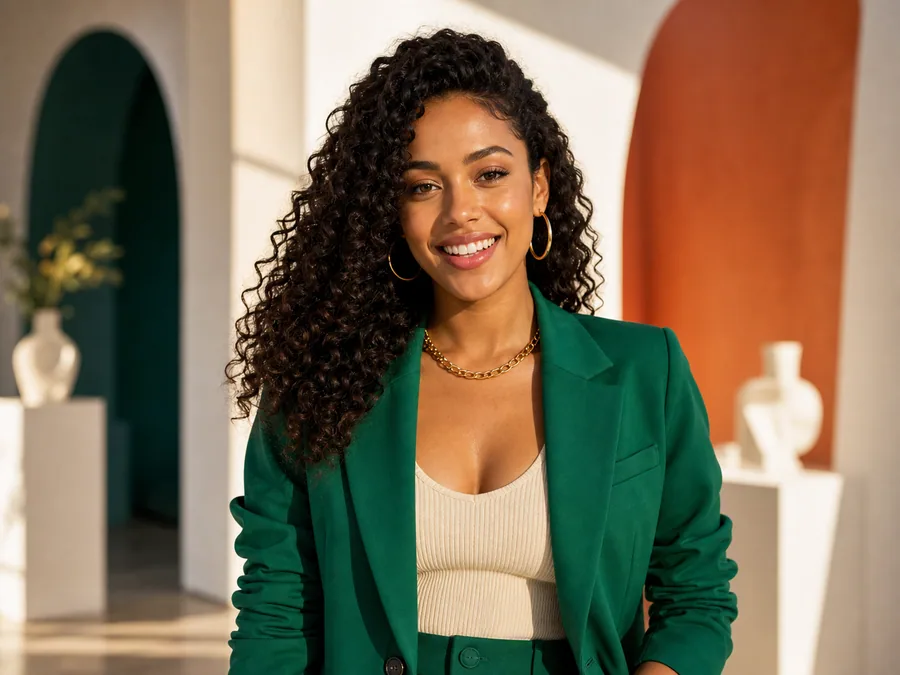
Built for Social Cuts
Create outputs that work for reels, shorts, stories, and lightweight promotional posts without extra production overhead.
Fast Iteration
Test different portraits, hooks, and moods quickly before choosing the version that best fits the audience.
Creators Using AI Singing Photo
How teams use Mubert AI Singing Photo to turn portraits into music-led clips.
“Release teasers got faster”
We used a portrait and chorus snippet to create a teaser before the full video shoot. It helped the release feel active earlier.
“Simple but memorable”
A single photo became a singing post I could use across shorts and reels. It was much faster than editing a custom lip-sync clip.
“Better campaign variations”
We tested different faces and hooks for a mascot campaign. Seeing the portrait sing made the strongest direction obvious.

How to Create an AI Singing Photo
Turn a still portrait into a singing clip with a focused setup.
Upload a Portrait
Choose a clear camera-facing photo that can carry the expression and identity of the final singing clip.
Add the Audio Direction
Pair the image with a song, vocal hook, greeting, or campaign line that the portrait should perform.
Create and Review
Generate the singing clip, review the strongest version, and prepare it for social, personal, or campaign use.
AI Singing Photo FAQ
Answers for creators making singing portrait videos with Mubert.
Create a singing portrait clip with Mubert.
Turn a camera-facing photo and audio idea into a music-led video moment for social, personal, or campaign use.